 EPFO
EPFO
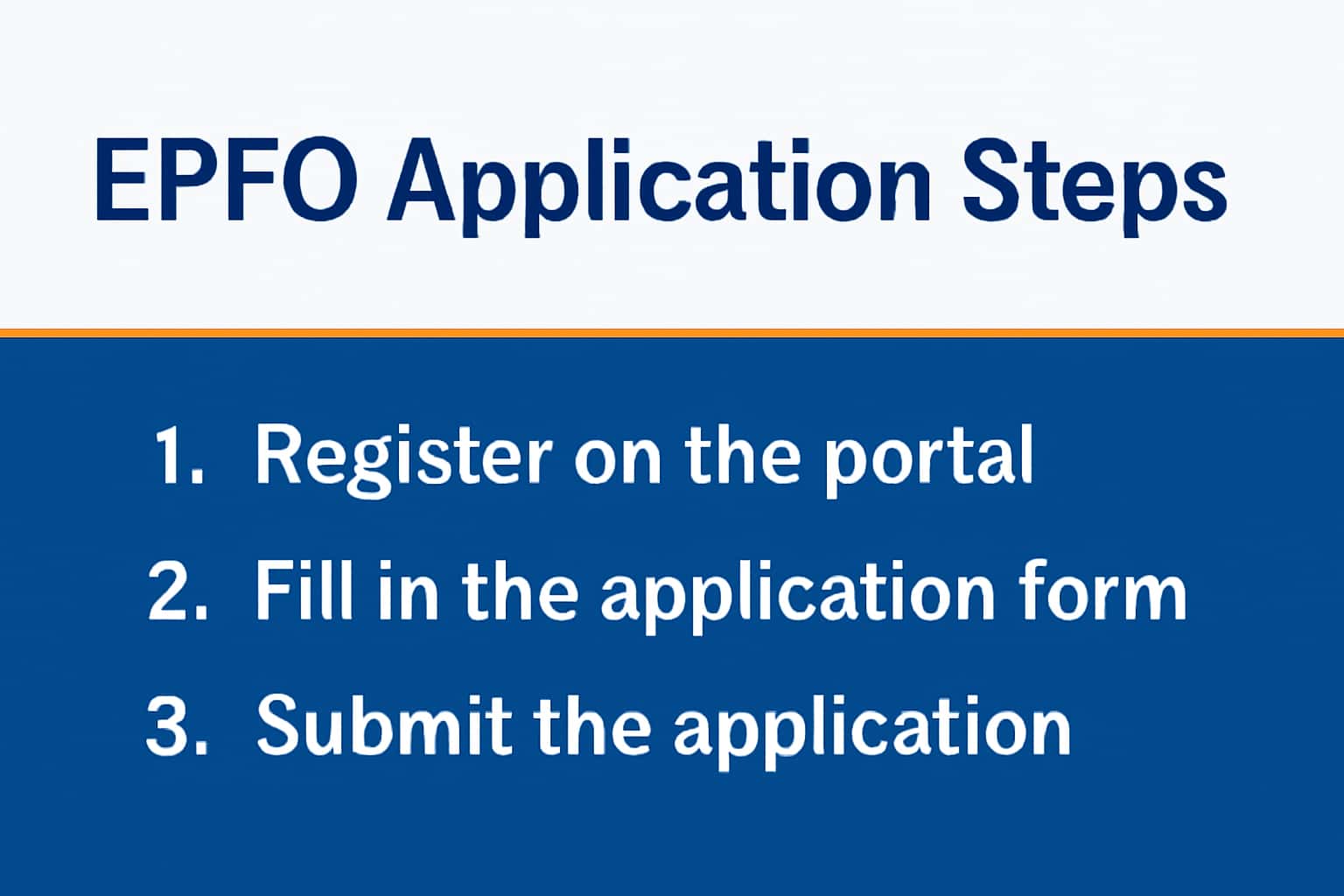
The EPFO (Employees' Provident Fund Organization) registration process is essential for individuals wishing to access their provident fund accounts and benefits. This guide outlines the verification steps necessary for successful registration. For more details, you can check the EPFO Registration Guide. For related guidance, see EPFO Portal Login Steps.
Who This Is For
This guide is intended for employees and employers looking to register for EPFO benefits. Whether you're a first-time applicant or need to update your details, understanding the verification process is crucial.
- Individuals seeking EPFO registration.
- Employers managing employee registrations.
- Anyone needing assistance with KYC.
Eligibility & Requirements (Verify Official Notice)
To register for EPFO, you must meet certain eligibility criteria. It's advisable to verify these requirements through official notices. Generally, you need to be a salaried employee or an employer enrolling employees. The registration is mandatory for organizations with 20 or more employees.
- Must be employed in a covered establishment.
- Have a valid Aadhaar number or other identity documents.
- Employers must have a valid PAN and TAN.
Documents Needed
As part of the registration process, you will need to submit various documents for KYC verification. Make sure to prepare these before you start your application. For instance, if you are using your Aadhaar for KYC, ensure that your name matches exactly as it appears on the document.
- Aadhaar card or any government-issued ID.
- Bank account details linked to your Aadhaar.
- PAN card (if applicable).
- Photograph (passport size).
- Employment details, including salary slips.
Step-by-Step: How to Proceed
Follow these steps to register on the EPFO portal:
1. Visit the EPFO homepage and select the registration option.
2. Fill in the required details including KYC information.
3. Upload the necessary documents for verification.
4. Once submitted, monitor your registration status through the EPFO portal. You can check the status by visiting the 'Track Claim Status' section.
- Ensure your mobile number is linked for OTP verification.
- Regularly check the portal for updates on your application.
- Contact support if verification doesn't proceed as expected.
- Keep a record of your application reference number for inquiries.
Common Issues & Fixes
While registering for EPFO, you might encounter some common issues. Here are a few solutions:
1. If you cannot log in, ensure your credentials are correct and check for any updates.
2. For issues with document submission, verify that all files are in the correct format and size. The portal usually accepts .jpg and .pdf formats up to a certain size limit.
- Double-check that your KYC information is accurate.
- If the OTP is not received, verify your mobile number and try again.
- In case of discrepancies in your name or details, reach out to the EPFO customer support for assistance.
Frequently Asked Questions
Where do I verify the latest details?
Use the official portal/notification and cross-check dates.
What if I cannot login/apply?
Try the troubleshooting steps and verify OTP/KYC instructions.
How long does the verification process take?
Typically, it can take anywhere from a few hours to several days. Regularly check your application status on the EPFO portal.
Can I update my details after registration?
Yes, you can update your details through the EPFO portal. Ensure you have the necessary documents for verification.